If possible, use the same location for most classes.
It doesn't need to be large.
Even one corner of a bedroom can become a recognizable learning zone.
Keep the center of the workspace clear enough for your computer and notebook.
When class begins, the space already communicates:
This is where I learn.
2. Raise the Screen When Appropriate
Spending long periods looking downward at a laptop can make a workspace uncomfortable.
A laptop stand or monitor riser can help position the screen more conveniently.
If you raise a laptop significantly, consider whether a separate keyboard and mouse would make the setup easier to use.
The objective isn't creating a picture-perfect desk.
It's creating a setup you can comfortably use.
3. Keep a Notebook Beside the Screen
Online learning makes it tempting to do everything digitally.
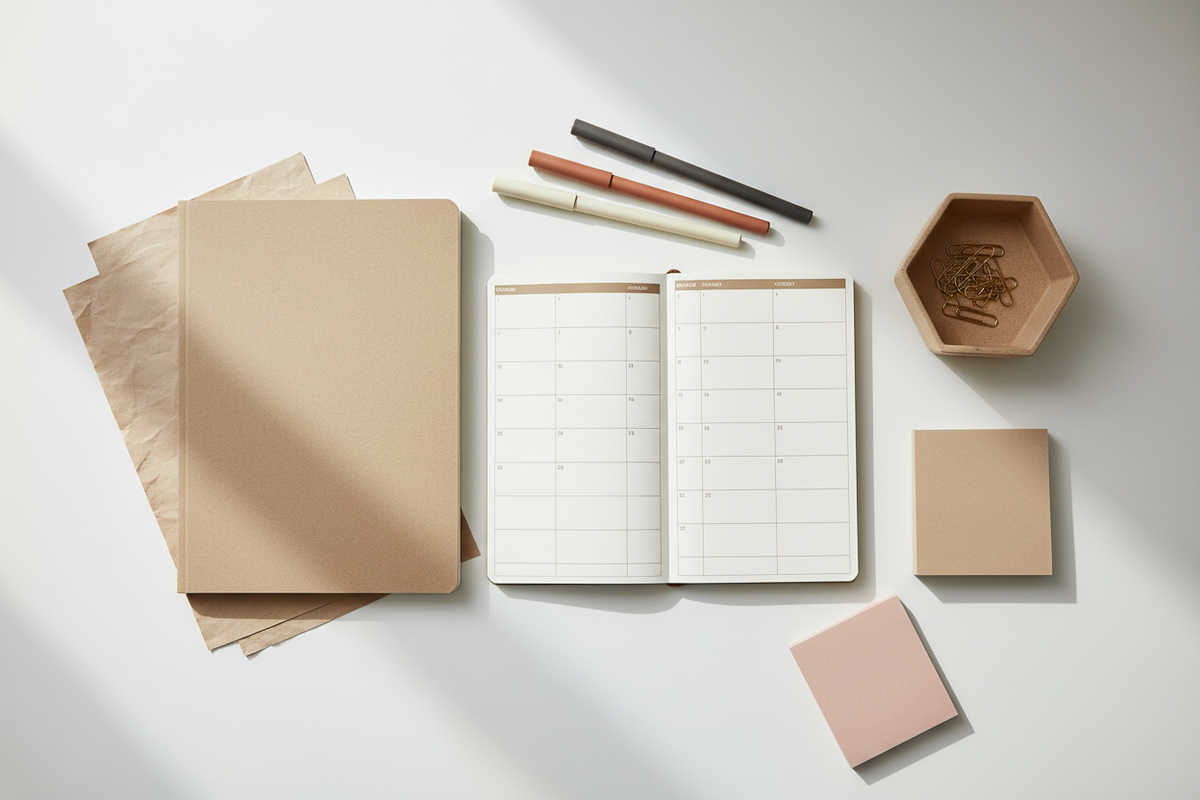
But keeping a notebook beside the computer can be useful for:
-
Important concepts
-
Questions
-
Assignment reminders
-
Quick diagrams
-
Follow-up tasks
Your notebook becomes a physical companion to the digital classroom.
4. Create a Small Class Supply Zone
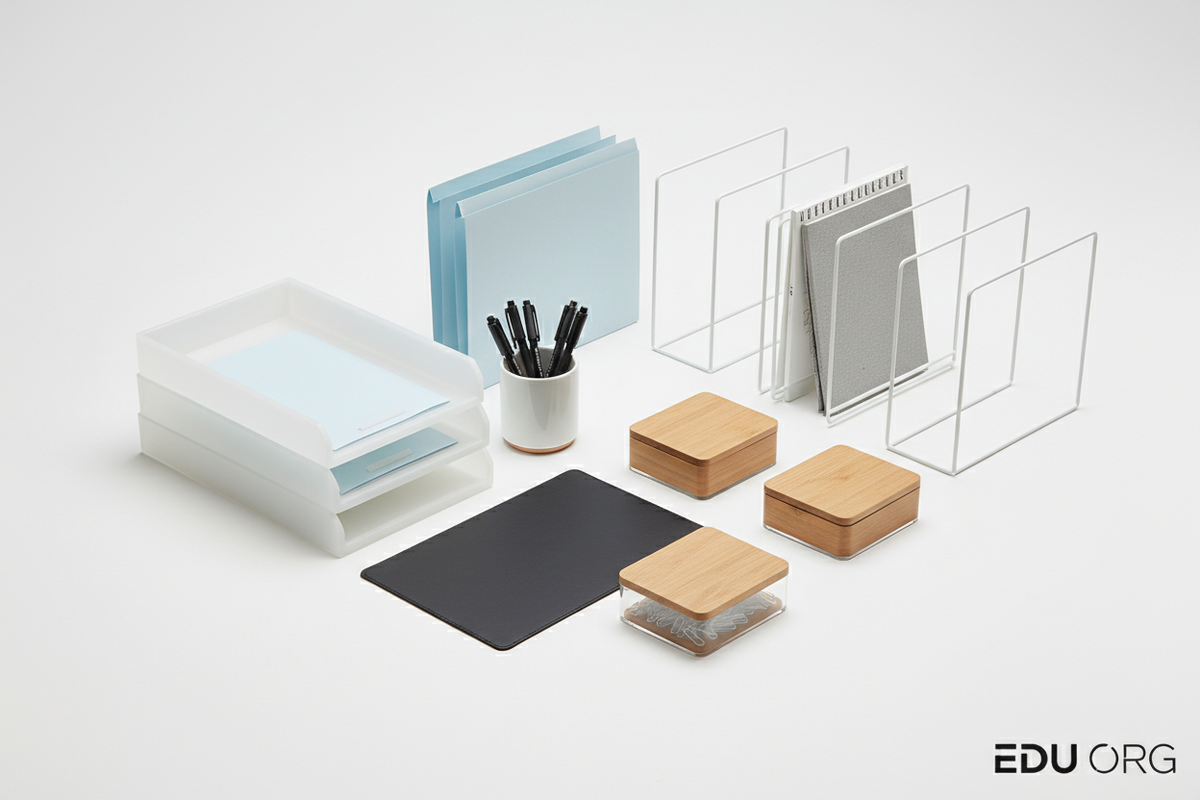
Keep frequently used items together:
Pens
Mechanical pencils
Highlighters
Sticky notes
Index cards
A small organizer or pencil case works well.
When the instructor asks you to write something down, you shouldn't need to search through three drawers.
5. Control the Charging Situation
Few things interrupt an online class faster than:
“10% battery remaining.”
Give chargers a designated place.
If several devices are used regularly, organize cables so you can quickly identify which cable belongs to which device.
Charge essential devices before important classes.
6. Create a Distraction Parking Area
Your phone doesn't necessarily need to disappear completely.
But it probably doesn't need to sit directly beside your notebook either.
Create a location slightly away from your immediate working area.
The extra effort required to reach for it can reduce automatic checking.
7. Prepare Five Minutes Before Class
Before class begins:
Open the correct materials.
Check your internet connection.
Prepare your notebook.
Check audio.
Fill your water bottle.
Review what today's class covers.
Starting prepared feels very different from entering the class while searching for everything.
5-Minute Online Class Setup Checklist
☐ Laptop ready
☐ Charger available
☐ Notebook open
☐ Pen ready
☐ Phone moved aside
☐ Required files open
☐ Headphones ready if needed
☐ Water nearby
Recommended EduDesk™ Categories
Laptop Stands
Notebooks
Writing Tools
Desk Organizers
Planners
Cable Organization
Sticky Notes
Study Essentials
EduDesk™ Insight
A productive learning environment doesn't have to be complicated.
Often, the biggest improvement comes from removing small interruptions.
When your screen, notes, supplies, and charging accessories already have a place, you can spend more attention on the class itself.
Conclusion
Your online classroom may only occupy one corner of your home.
Make that corner intentional.
Prepare it.
Keep it simple.
And when class begins, let your attention go where it belongs.
Create your learning space with EduDesk™ — Explore Study & Workspace Essentials →