Presentation Day Essentials: Build a Simple Kit and Feel More Prepared
Great Presentations Begin Before You Stand Up
Your slides are finished.
You've researched your topic.
You know what you want to say.
But on presentation day, you suddenly realize your notes are in the wrong folder, your laptop needs charging, and the latest version of your slides isn't where you expected.
Preparation isn't only about knowing your material.
It's also about making sure your tools, files, and notes are ready when you need them.
Whether you're presenting in a classroom, a conference room, or an online meeting, a simple preparation system can make the experience easier to manage.
At EduDesk Studio™, we believe everyday organization can support meaningful moments—including the moment you share your ideas with others.
1. Define the Purpose of Your Presentation
Before designing slides or preparing cue cards, ask:
What should the audience understand when I'm finished?
A presentation might aim to:
Explain a concept.
Share research findings.
Recommend a solution.
Demonstrate a process.
Provide a project update.
Tell a meaningful story.
Write your central message in one sentence.
For example:
“This presentation explains three practical ways our team can improve project communication.”
Use that sentence to guide what belongs in the presentation.
2. Build a Clear Beginning, Middle, and End
A presentation becomes easier to follow when it has a recognizable structure.
Beginning
Introduce the topic and explain why it matters.
Middle
Present the main points, evidence, examples, or demonstrations.
End
Summarize the key message and explain the next step or takeaway.
Avoid trying to include everything you know.
Choose the information that best supports your purpose.
3. Prepare Cue Cards That Help You Speak Naturally
Cue cards can provide helpful reminders without requiring you to read an entire script.
Use one card for each major section.
For example:
Card 1 — Introduction
Topic, opening question, main message.
Card 2 — Key Point One
Main idea, supporting example.
Card 3 — Key Point Two
Main idea, relevant evidence.
Card 4 — Conclusion
Summary, final takeaway.
Write keywords and short prompts rather than long paragraphs.
Number the cards so they're easy to restore if the order changes.
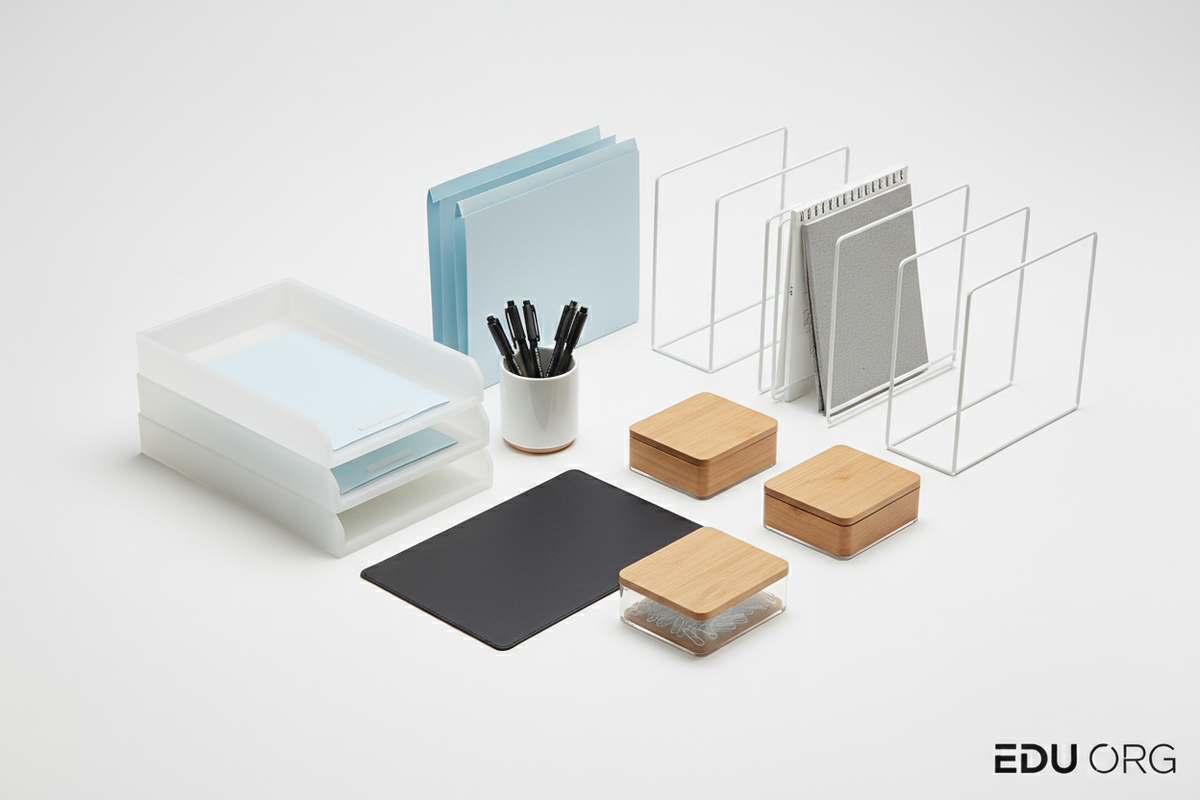
4. Create a Presentation Materials Folder
Keep all necessary physical materials together.
Depending on the presentation, this may include:
Printed outline.
Cue cards.
Handouts.
Relevant reference documents.
Pen.
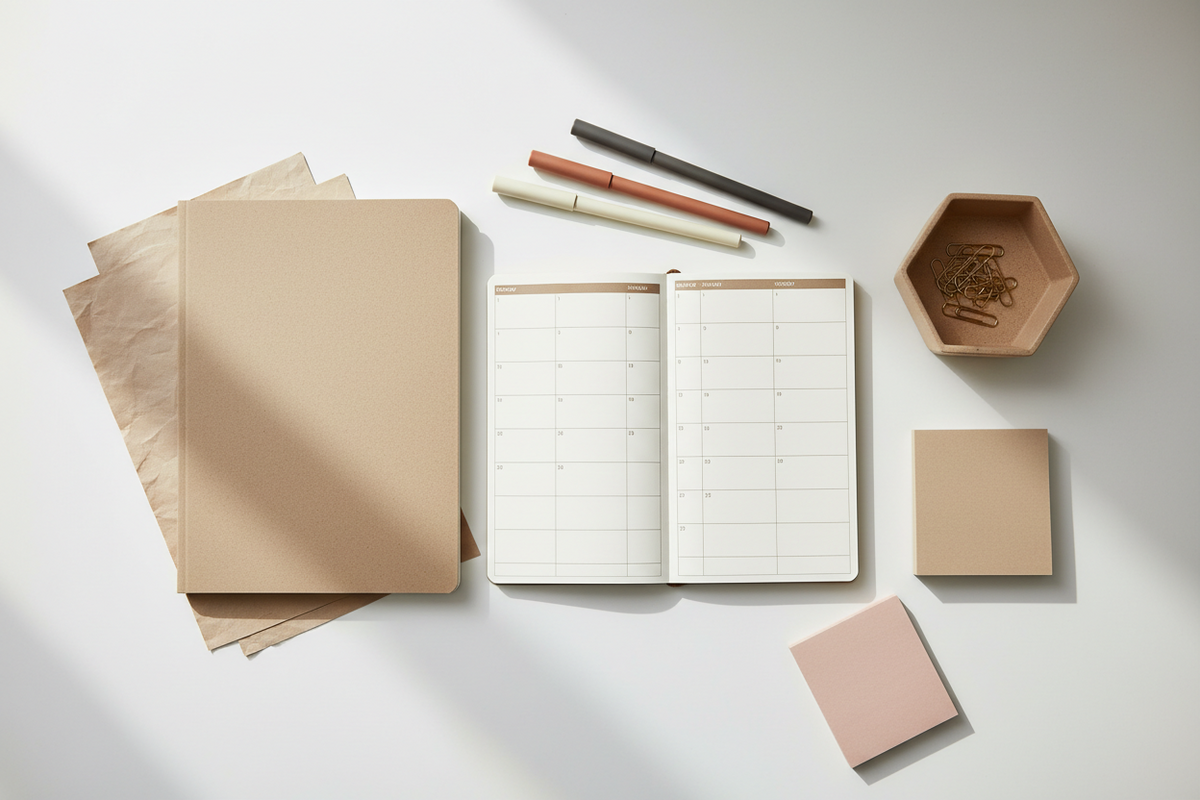
Notebook.
Required forms.
A document folder helps prevent loose papers from getting damaged or misplaced.
For digital files, create a clearly named folder containing the final presentation and any approved supporting materials.
5. Check Technology Requirements Early
If your presentation uses technology, confirm the requirements in advance.
Ask:
Will you use your own laptop?
Is a projector available?
What connection is required?
Will internet access be necessary?
Is audio part of the presentation?
Can you open the file using the available software?
If you're presenting remotely, check your camera, microphone, and screen-sharing setup.
Don't assume every location has the same equipment.
6. Prepare a Backup Plan
Technology doesn't always cooperate.
Consider keeping an appropriate backup copy of your presentation in an approved location.
If permitted, you may also bring a printed outline.
Know which parts of your presentation you could explain without slides.
For school or workplace presentations, follow any rules about file sharing, removable storage, and confidential information.
7. Rehearse With the Actual Materials
Practicing silently in your head isn't quite the same as presenting aloud.
Try rehearsing while using your cue cards and slides.
Pay attention to:
Timing.
Transitions.
Pronunciation.
Clarity.
Visual references.
Any sections that feel confusing.
You can also practice answering likely questions.
If you're presenting with a group, rehearse transitions between speakers.
8. Organize Your Presentation-Day Kit
A simple kit might include:
Cue cards.
Pen.
Notebook.
Document folder.
Laptop and charger, if required.
Compatible adapter, if needed.
Water bottle where permitted.
Any approved presentation materials.
Keep the kit together the night before.
Avoid adding unnecessary items that make it harder to find essentials.
9. Arrive With Time to Prepare
When possible, allow enough time to:
Locate the presentation area.
Set up equipment.
Open your file.
Check visibility.
Arrange notes.
Confirm the order of materials.
For online presentations, join according to the meeting instructions and check your setup beforehand.
Preparation won't eliminate every surprise, but it can reduce avoidable ones.
10. Finish With a Clear Takeaway
The final moments of a presentation matter.
Rather than ending abruptly, return to your main message.
Summarize what the audience should remember.
If appropriate, explain a recommended next step.
Then invite questions according to the presentation format.
Presentation Day Checklist
Before the Day
On Presentation Day
Recommended EduDesk Studio™ Collections
Notebooks & Paper: Index cards, notebooks, and presentation notes.
Writing Essentials: Pens, fine liners, and highlighters.
Organization & Storage: Document folders and portable organizers.
Tech & Charging: Compatible charging and workspace accessories.
EduDesk Studio™ Insight
Confidence isn't something you can purchase in a stationery set.
But having your materials prepared can remove unnecessary distractions from an important moment.
The right tools support the preparation you've already done.
Frequently Asked Questions
Should I memorize my entire presentation?
Not necessarily. Understanding the material and practicing your main points can be more flexible than relying on a fully memorized script.
Are cue cards useful for professional presentations?
They can be. Short prompts may help maintain structure while allowing natural delivery.
What should I do if the slides stop working?
Follow your backup plan, communicate the issue clearly, and continue using your outline when appropriate.
Final Thoughts
Your presentation deserves more than last-minute preparation.
Organize the materials.
Practice the message.
Check the technology.
And give yourself a clear plan for the day.
Prepare Your Tools. Share Your Ideas. Make Your Message Count.
Explore Presentation & Study Essentials at EduDesk Studio™ →